WORDPRESS · BANCO-DE-DADOS
The WordPress database tables, and the care missing from my 2012 post
In 2012 I listed WordPress's 11 tables. Today there are 12, and the list alone isn't enough: the table + meta pattern explains almost everything, and editing the database directly has two well-known traps.
In September 2012 I posted here the list of tables WordPress creates in the database, with the diagram from the documentation and one line for each. The idea was simple: many WordPress errors are easier to understand when you know where each thing is stored. That still holds, but the list has changed, and I left out what causes the most trouble in practice.
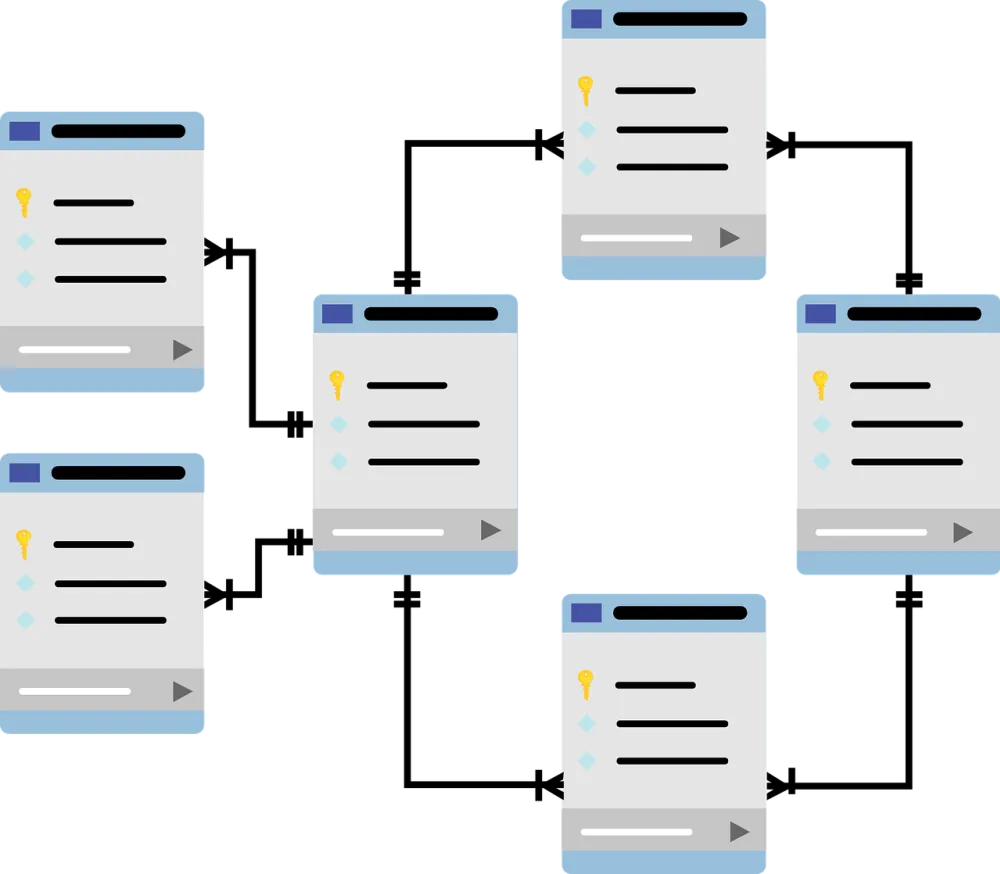
There were 11, now there are 12
wp_termmeta arrived in WordPress 4.4, in 2015. The list for a regular (single-site) installation now looks like
this:
| Table | What it stores |
|---|---|
wp_posts |
Posts, pages, attachments, revisions, menu items and plugin content types, told apart by the post_type column |
wp_postmeta |
Extra data for each item in wp_posts |
wp_terms |
Name and slug of categories, tags and other terms |
wp_term_taxonomy |
The type of each term (category, tag…) and the hierarchy |
wp_term_relationships |
Which item is linked to which term |
wp_termmeta |
Extra data for each term |
wp_users |
Login, password (hashed) and email |
wp_usermeta |
Extra data for each user, including the role (administrator, editor) |
wp_comments |
Comments |
wp_commentmeta |
Extra data for each comment |
wp_options |
Site and plugin settings |
wp_links |
The links of the old “blogroll”; hidden from the dashboard since 3.5, but still created |
The wp_ prefix is just the default. Each site’s prefix is in wp-config.php, in the $table_prefix variable.
In multisite other tables appear, such as wp_blogs and wp_site, and each site in the network gets its own with
a number in the prefix (wp_2_posts).
The pattern that explains almost everything
Four tables have a sibling with meta in its name: posts, users, comments and terms. The main one stores what
every record has; the meta one stores the rest, as key-value pairs, linked by ID. That’s why plugins can add
fields without creating columns: they write to the meta table.
Categories and tags use another trio: the name lives in wp_terms, the type in wp_term_taxonomy, and the link to
posts in wp_term_relationships.
Two traps when editing the database directly
Deleting only from the main table. A DELETE FROM wp_comments WHERE comment_approved = 'spam' deletes the
comments, but their data in wp_commentmeta stays there, orphaned. The same goes for posts and wp_postmeta.
Through the dashboard (the empty spam button) or WP-CLI, WordPress deletes both parts:
wp comment delete $(wp comment list --status=spam --format=ids)Replacing text with REPLACE. To change the site address, from http to https or to another domain, the
temptation is an UPDATE ... REPLACE() in the database. But many options and metadata are stored serialized by
PHP, with the length of each string alongside, like s:22:"http://meusite.com.br/": the s means a string and 22 is its
number of characters. If the text changes length and
the number doesn’t, PHP can no longer read the value, and the setting silently disappears. WP-CLI, WordPress’s command-line tool (it has to be
installed on the server), has a command that understands this format:
wp search-replace 'http://meusite.com.br' 'https://meusite.com.br' --dry-run--dry-run shows how many replacements it would make in each table without writing anything. After checking, run
it without that flag, with a database backup made beforehand.
References

Who writes this
Eduardo Lira
Software developer in Rio de Janeiro. I started this blog in 2012, in technical support at a hosting company, writing down the fixes for the problems that came up every day. Today I work at Sofis Tecnologia, on critical healthcare systems and SQL Server database migrations.